Find your shortlist. Keep hiring moving.
Scout reviews applications against your criteria and shows the evidence behind each assessment. Bring interviews, feedback, and offers together in one hiring workspace.
Scout assesses. Your team decides.
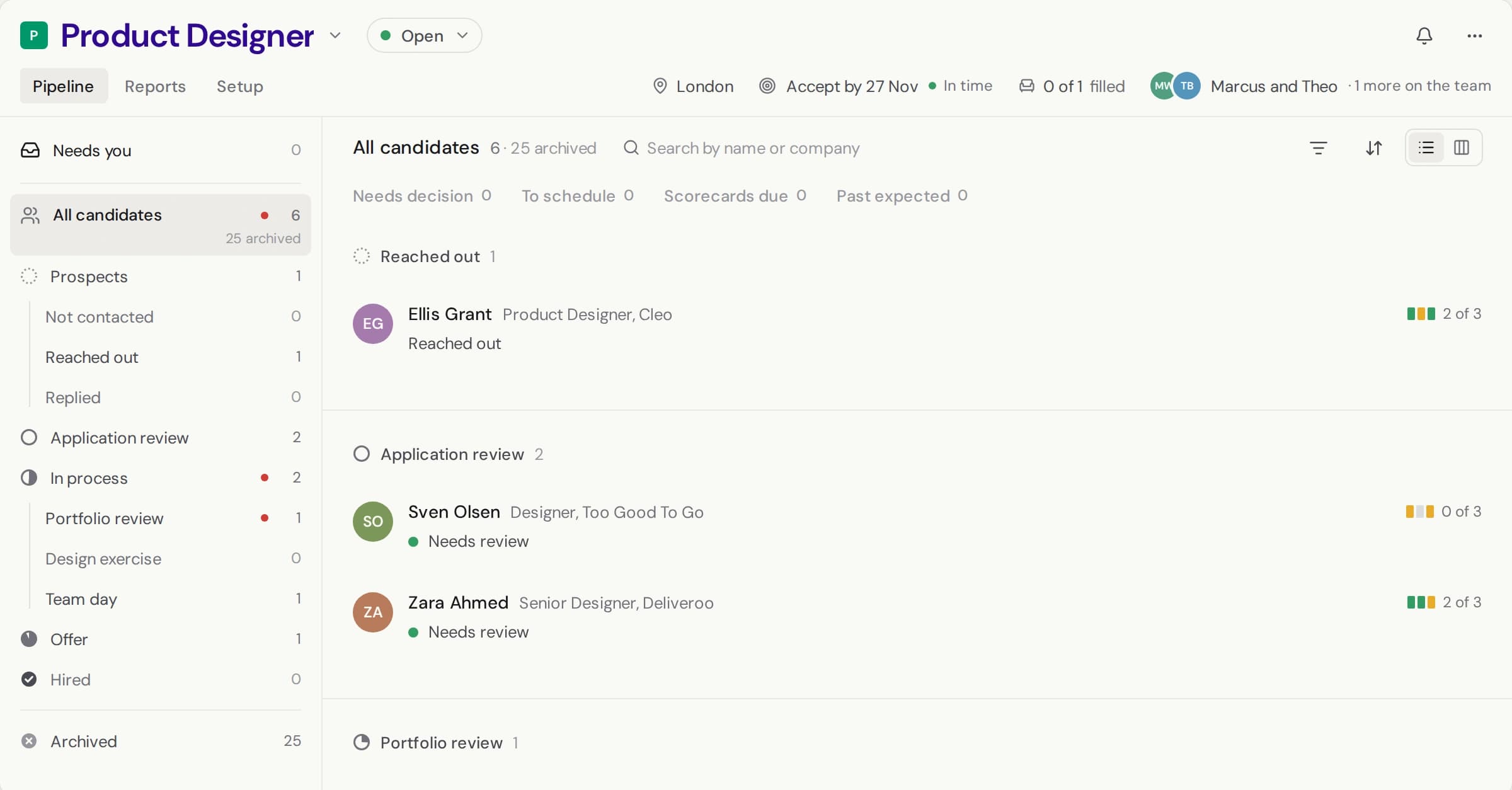
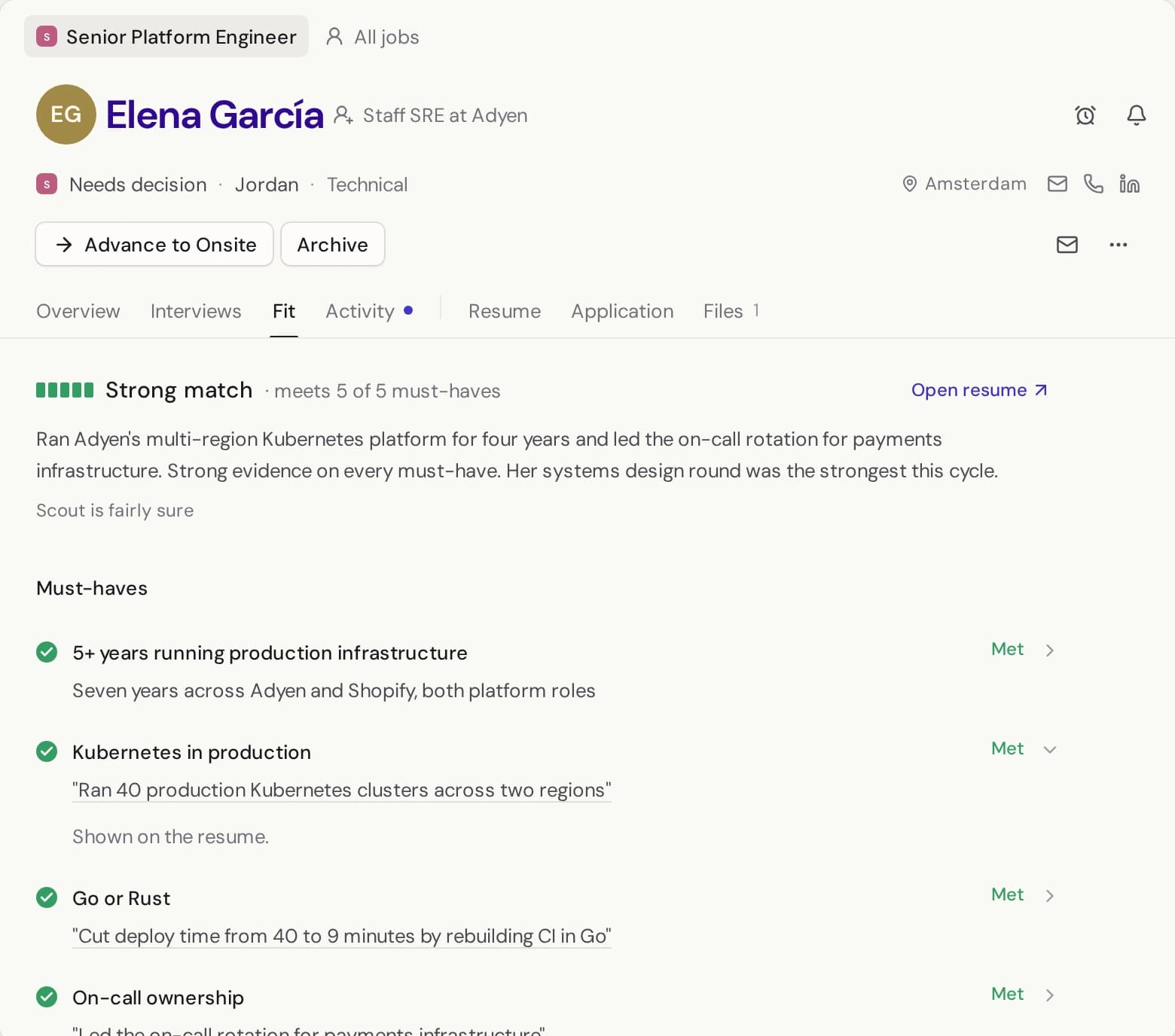
See why someone fits.
Review each application against the criteria you set. Open the source evidence behind an assessment, see what is missing, and decide who moves forward.
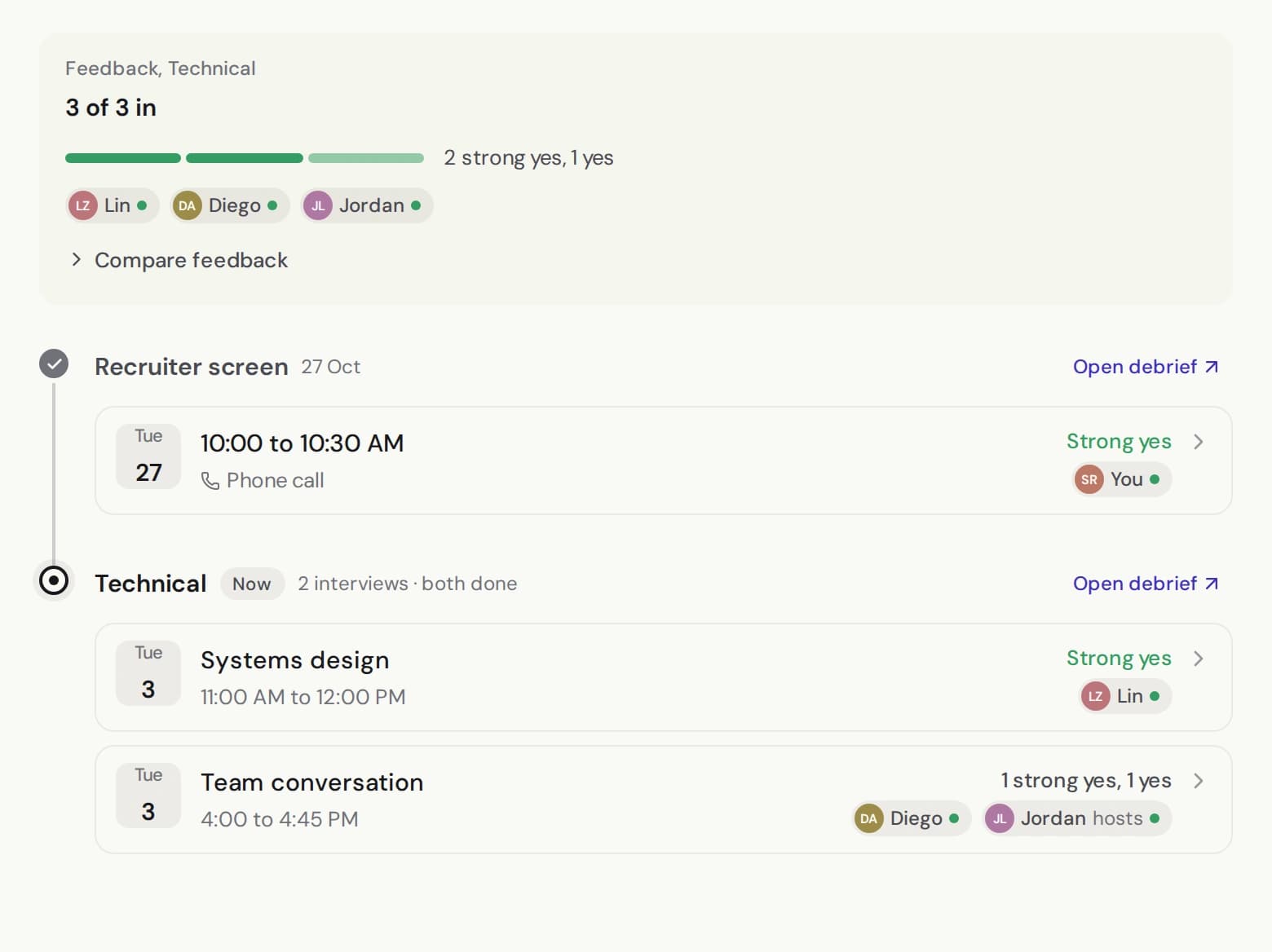
Bring the evidence to the decision.
Keep interview feedback, summaries, and application evidence on the candidate record, ready for your team's next decision.
Keep the next step moving.
Schedule interviews, keep candidate conversations together, and prepare offers in the same workspace. See what is complete and what still needs your team.
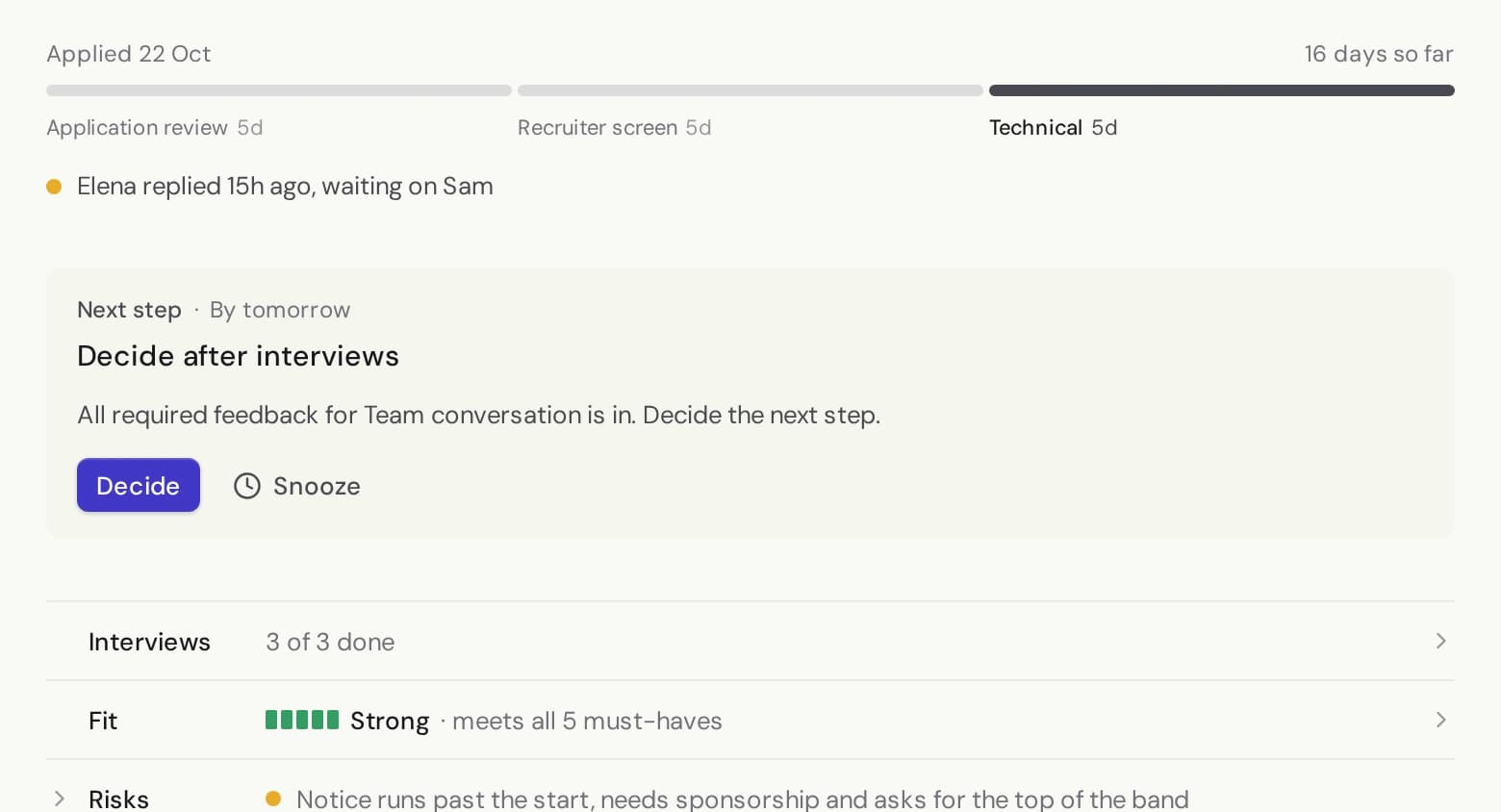
You make the hiring decisions.
Scout gives your team evidence to review. Your team decides who moves forward.
What does Scout use to assess an application?
Scout reviews the application against the role's criteria. You can inspect the assessment, its supporting evidence and questions that need a closer look.
Can I inspect the sources?
Yes. The application review connects criteria to supporting evidence so your team can check the source and make its own assessment.
How do interview summaries work?
The interview workspace brings feedback and available transcripts together. Summaries are prepared for human review. Transcript availability depends on how the interview was recorded or uploaded.
What happens when I get started?
You'll create or sign in to a Scout account, set up your workspace, and add the role you're hiring for.